Focus timer with gorgeous effects
When the focus timer ends, imagineit starts raining on your screen your screen shows a rolling fog seeing a raging fire at the bottom of your screen snow falling softly down your screen fireflies drifting and glowing across your screen confetti bursting out of your notch water rings spreading out from your notch your windows wobbling like water your notch turning into a lighthouse lamp a red alarm light flashing from your notch
- 10 full screen effects
- 10 notch effects
- 17 notch companions
Launch offer$9.99one-time unlock for a limited time
Free for 48 hours · no subscription
Requires macOS 27 or later on a Mac with Apple silicon

Effects
When your timer ends, a gorgeous effect plays.
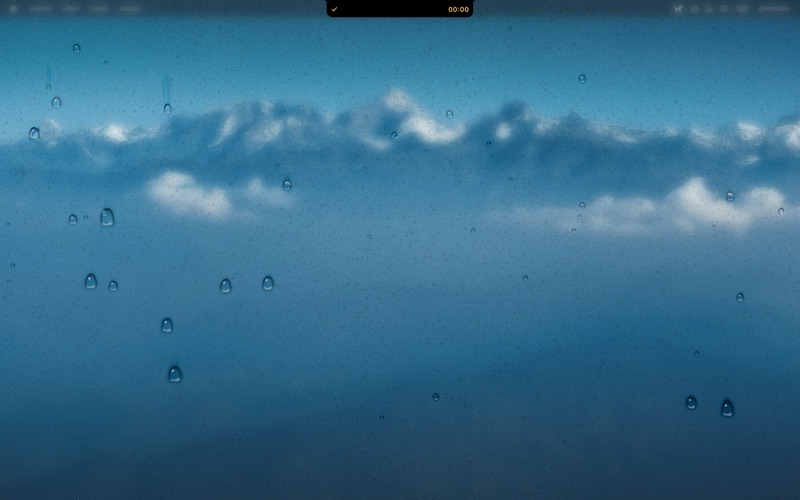
Rain on glass
The screen fogs over like a cold window, and drops run down it.
Watch it live
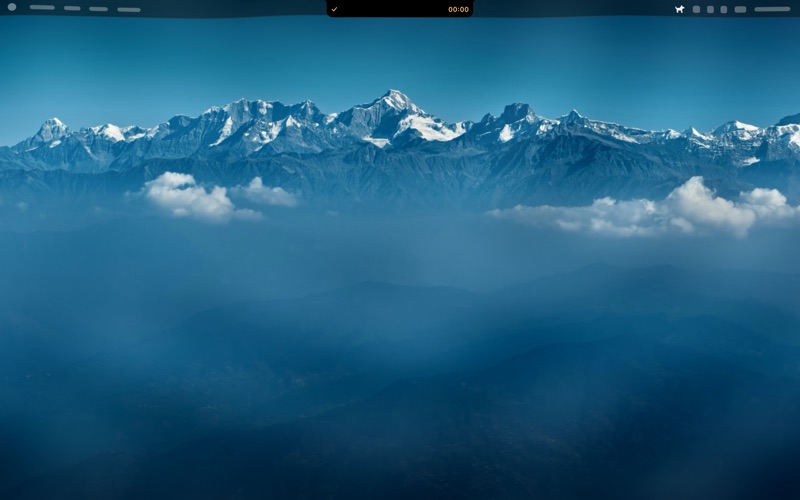
Real ripple
Your actual windows wobble like water.
Watch it live
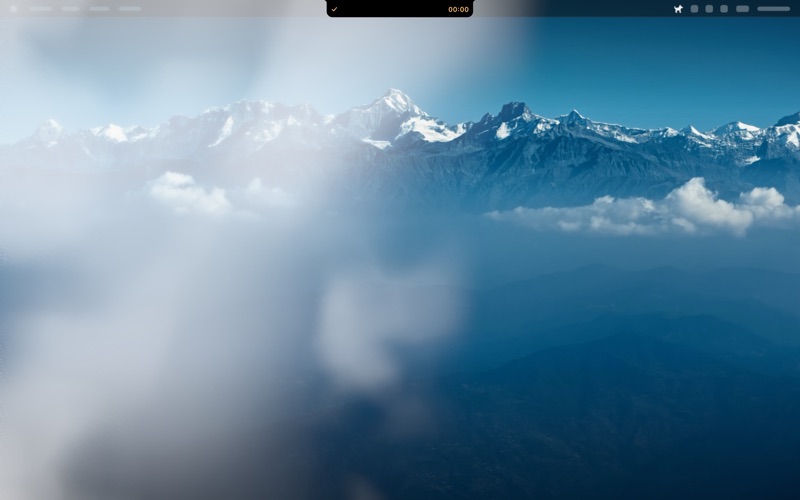
Cloudy fog
A bank of white mist rolls in from the left, like heavy clouds on a hill station.
Watch it live
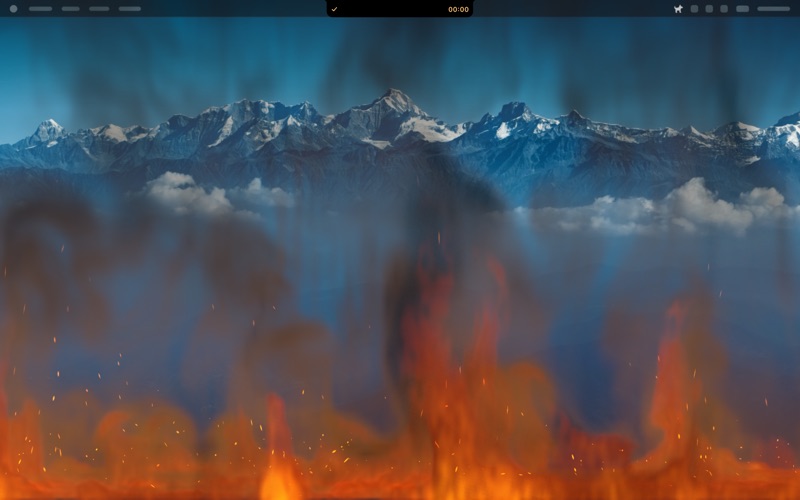
Wildfire
A fire catches along the bottom edge of the screen, and smoke fills the sky.
Watch it live
Six more inside the app. More in development.
Notch effects
While you focus, the notch keeps you company.
Line
Rainbow
Its colours appear one by one as the line grows.
Line
Aurora
Green, teal and violet, like the northern lights.
Line
Wick
A tiny flame rides at the tip of the line.
Companion
Noodle bowl
A bowl rocks gently while its steam rises.
Companion
Sleepy cat
A cat naps beside you, breathing slowly.
Companion
Hourglass
Sand trickles through, grain by grain.
Many more inside the app. All part of the one-time unlock.
Browser previews, drawn live.
Pricing
Try everything free for 48 hours. One price to keep it.
Free trial
- Every feature for 48 hours, no card
- Then the plain timer, started by hand
- A chime when each focus or break ends
- Every effect can still be previewed
One-time unlock$9.99 USD
Launch offerFor a limited time. The price may go up later.
- All ten screen effects
- The line around the notch and the companions
- Auto mode, Smart Pause and Breadcrumb notes
- Custom lengths and stats
No subscription. You can preview every effect before you buy. Sold by Dodo Payments, our reseller. See pricing
Questions
Quick answers
Is there a free trial?
Yes. Every feature is free for 48 hours from the first time you open Notch Dog, with no key and no card. After that, without a key, only the plain timer stays: 25-minute focus and 5-minute breaks, started by hand. You can still preview every effect. A one-time unlock ($9.99 as a launch offer for a limited time; the price may go up later) keeps everything: all ten screen effects, the line around the notch, companions, auto mode, Smart Pause, Breadcrumb notes, custom lengths and stats. There is no subscription. See pricing.
What happens during a call or a video?
The notch goes quiet and effects wait. This is called Smart Pause. Effects also wait while you are typing or clicking.
Can I stop an effect? What about flashing?
Press Esc to stop an effect. If your Mac is set to Reduce Motion, effects use calm still versions. No effect flashes more than 3 times a second, and Red alert asks first on this website. Accessibility.
Why do some effects ask for Screen Recording?
Real ripple, Rain on glass and Cloudy fog draw over a picture of your screen, and macOS asks for permission before an app can take one. The picture is only used to draw the effect. If you say no, those effects use a simpler look. Install and permissions help.
What does the app send over the internet?
Two things: the check that your key is valid (the key, and the Mac’s computer name when you first activate), and the daily check for a new version. Nothing else. Read the privacy policy.
Can I get a refund?
Yes, within 14 days, no reason needed. How refunds work.
Focus timer with gorgeous effects
Launch offer$9.99one-time unlock for a limited time
Free for 48 hours · no subscription